
Time tracking, timesheets & invoicing

Track every hour. Bill every client. Get paid.

Start a timer on the web or your phone, approve the week’s timesheets, watch every project’s budget, and turn the hours into invoices your clients can pay online.

  • One tap to startPick the project and task once; the timer keeps every minute.
  • Hours you can billWeekly timesheets are reviewed, approved and locked.
  • Invoices from the hoursLine items, rates and totals built for you, paid by card or bank.

Free for one personNo card to startWeb, mobile & browser extension

Plays muted with captions · Read the transcript
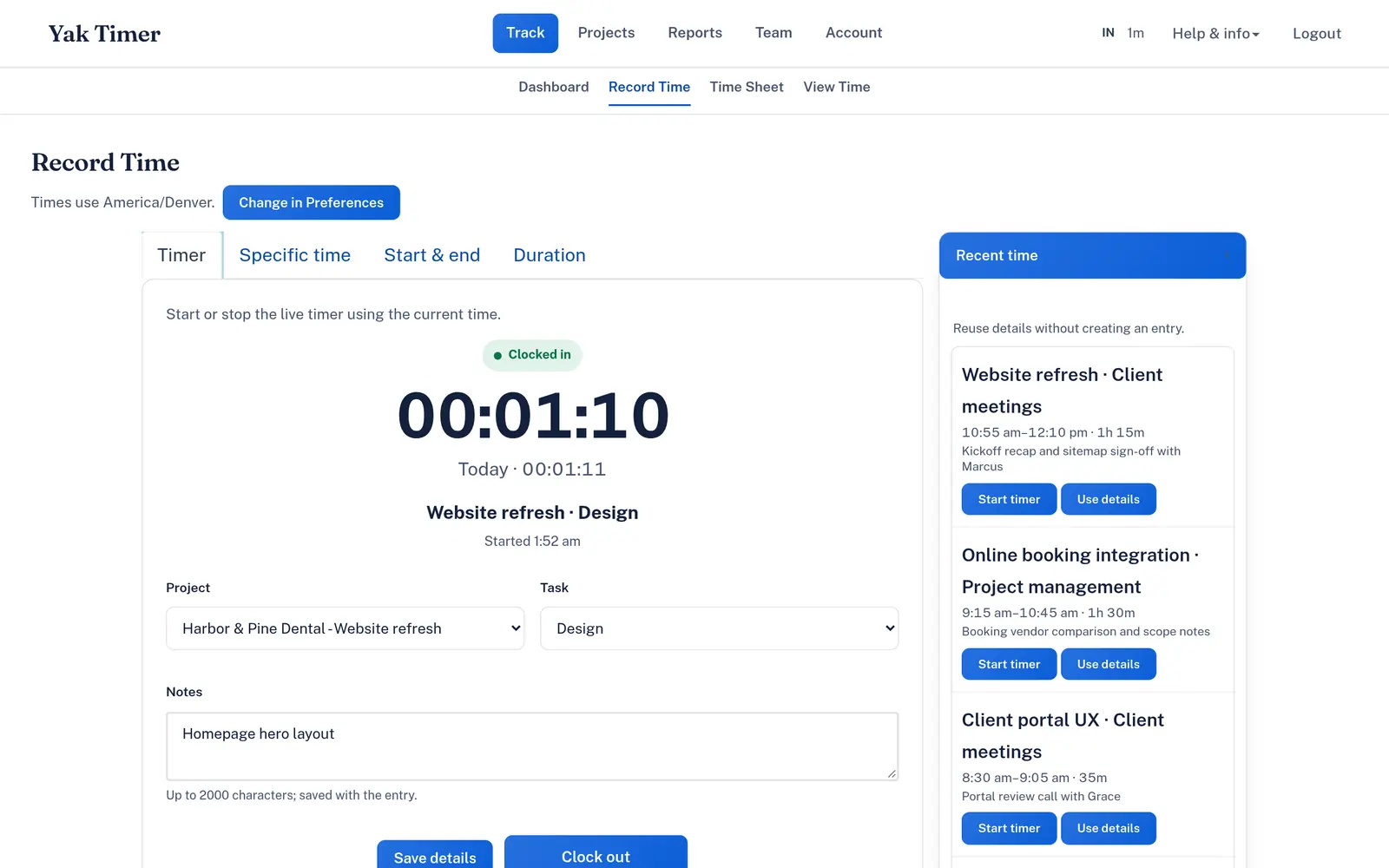
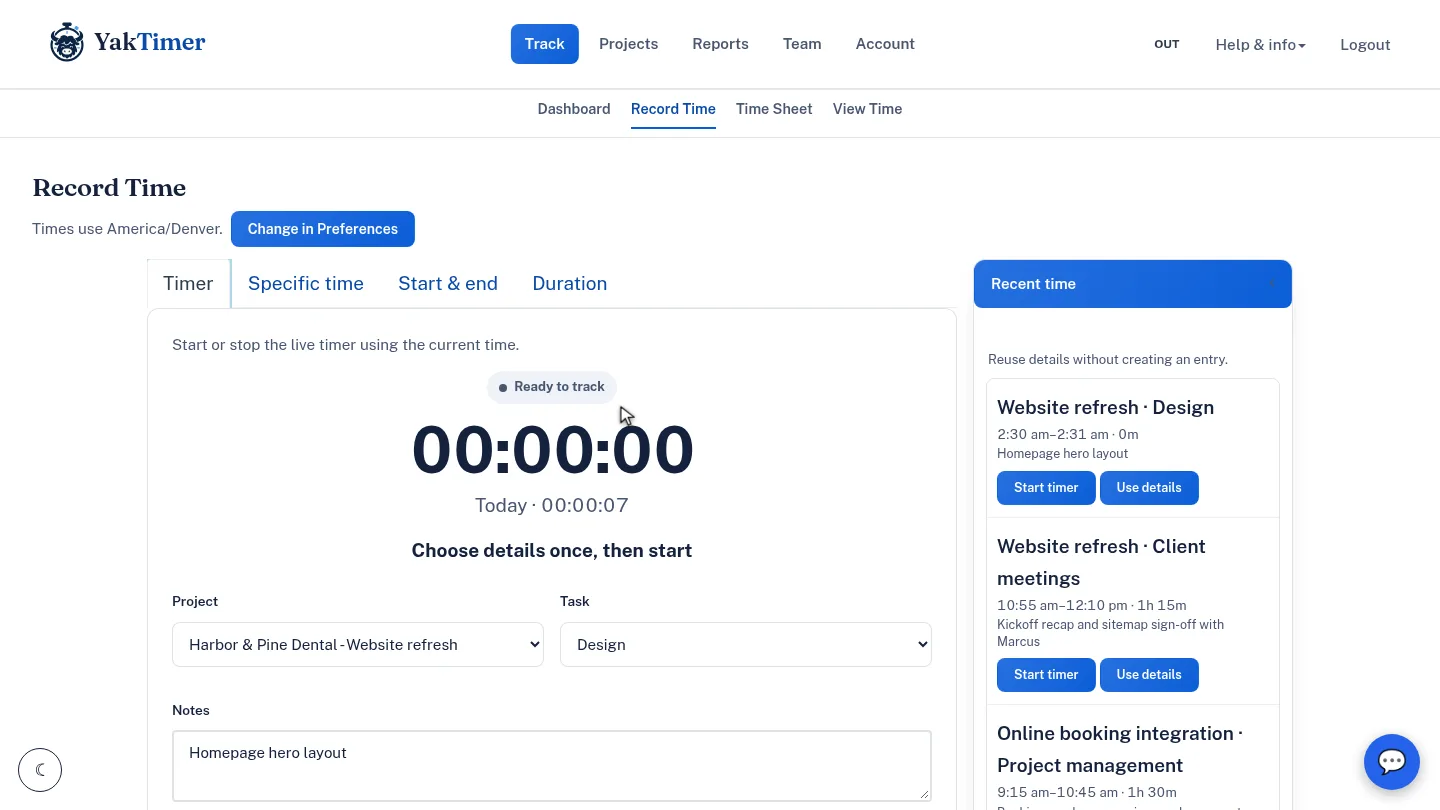
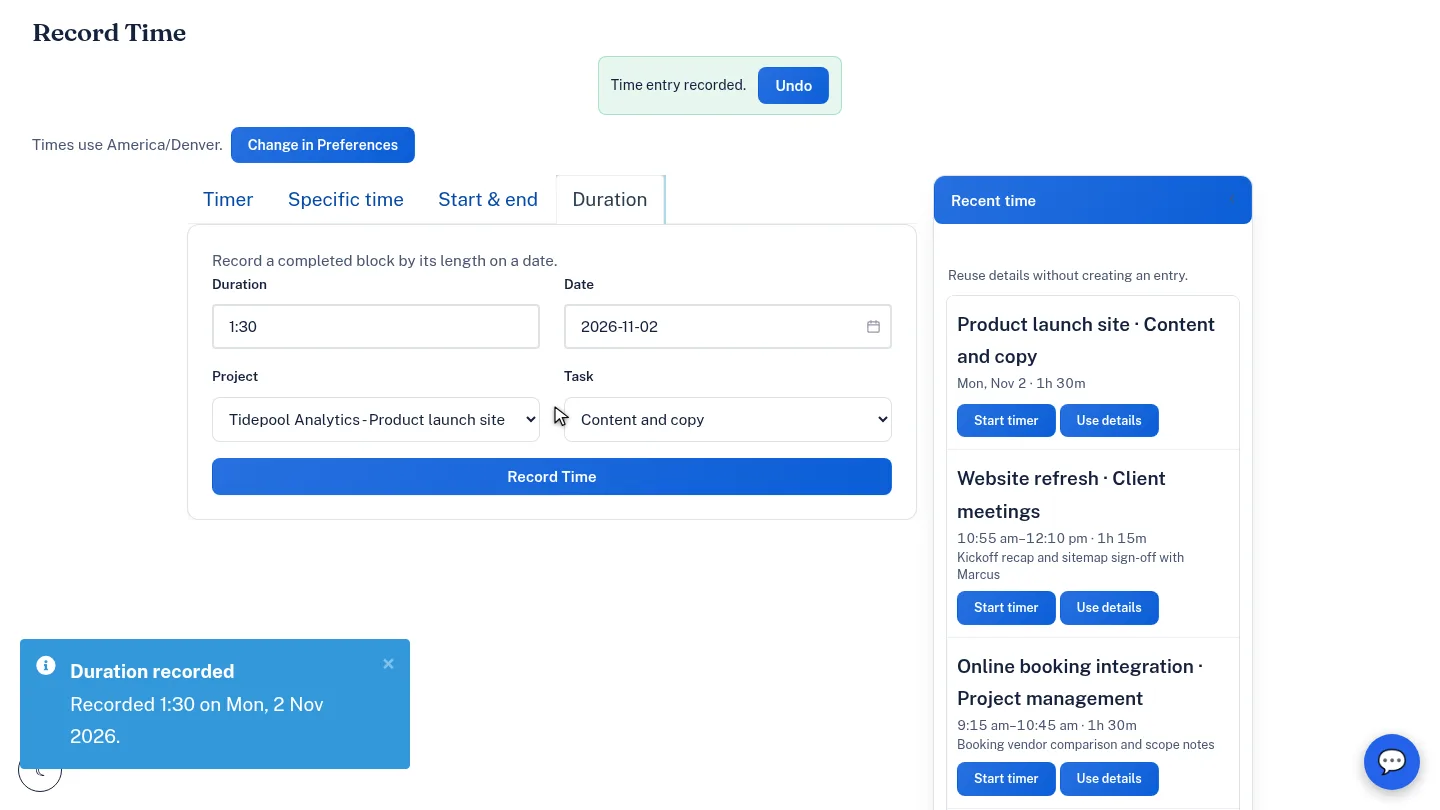
  1. 0:00 Start the timer when the work starts. Pick the client project and the task, and YakTimer records every minute.
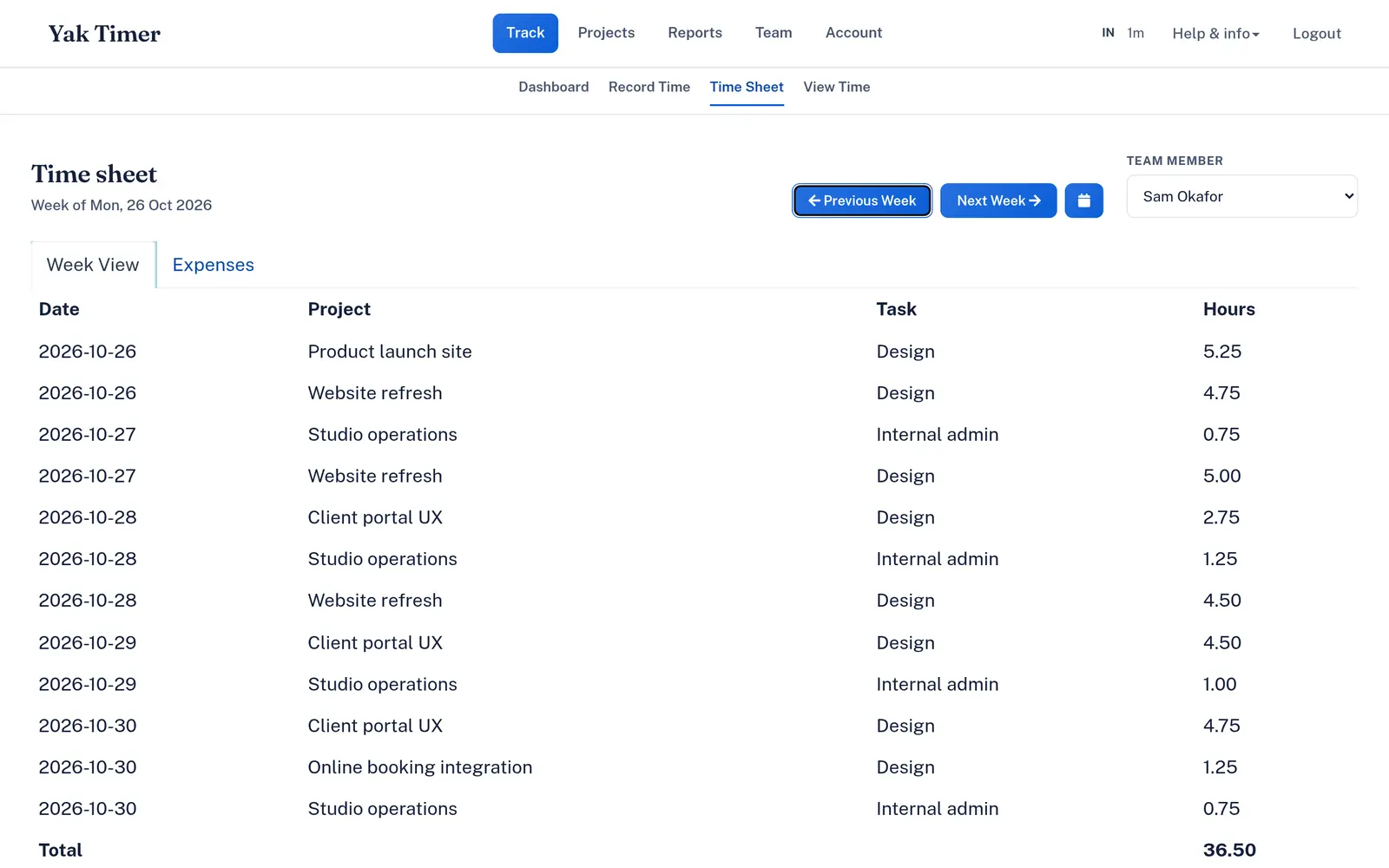
  2. 0:09 Each person’s hours land on a weekly timesheet. Review the week, then approve it, and the hours are locked for billing.
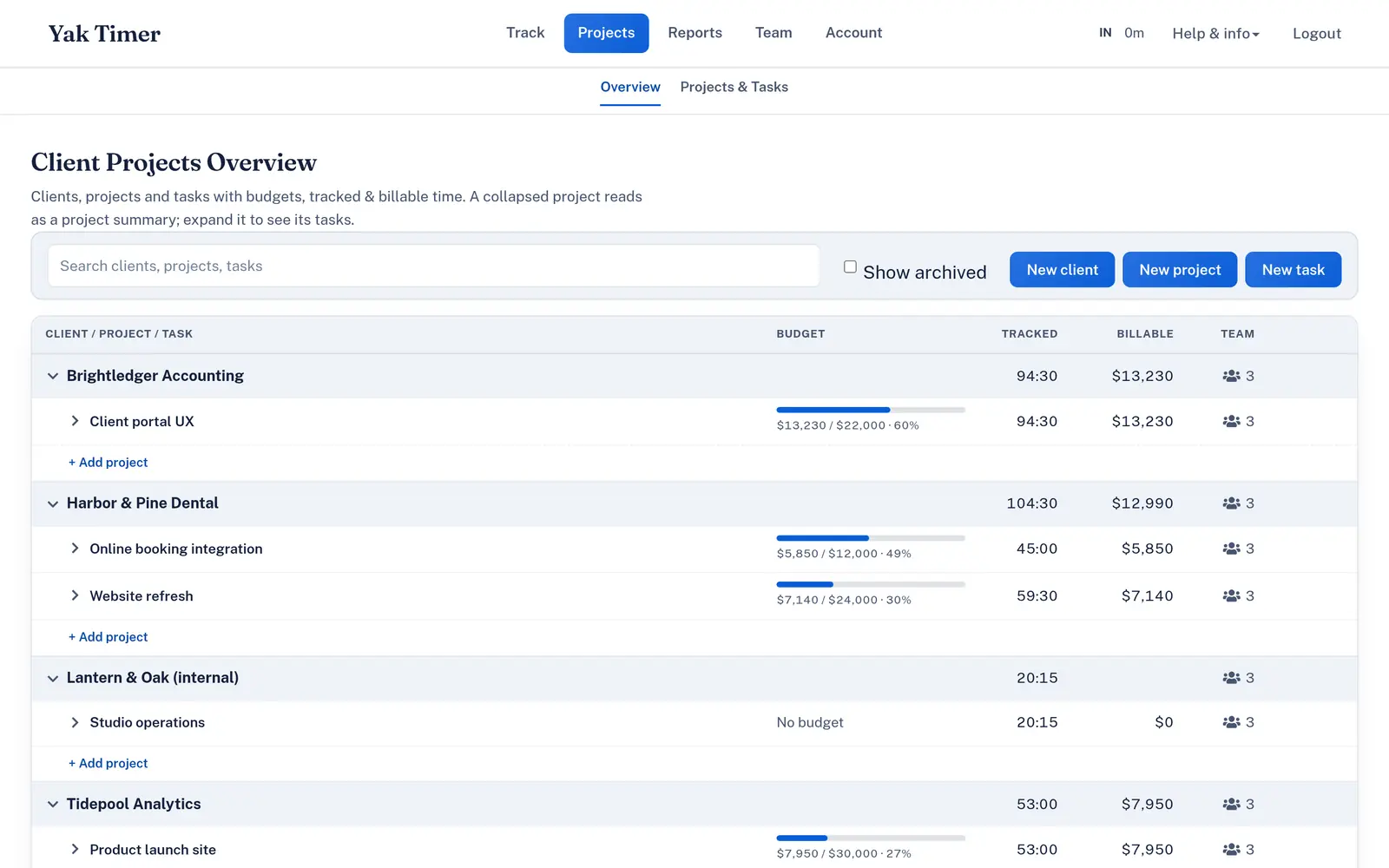
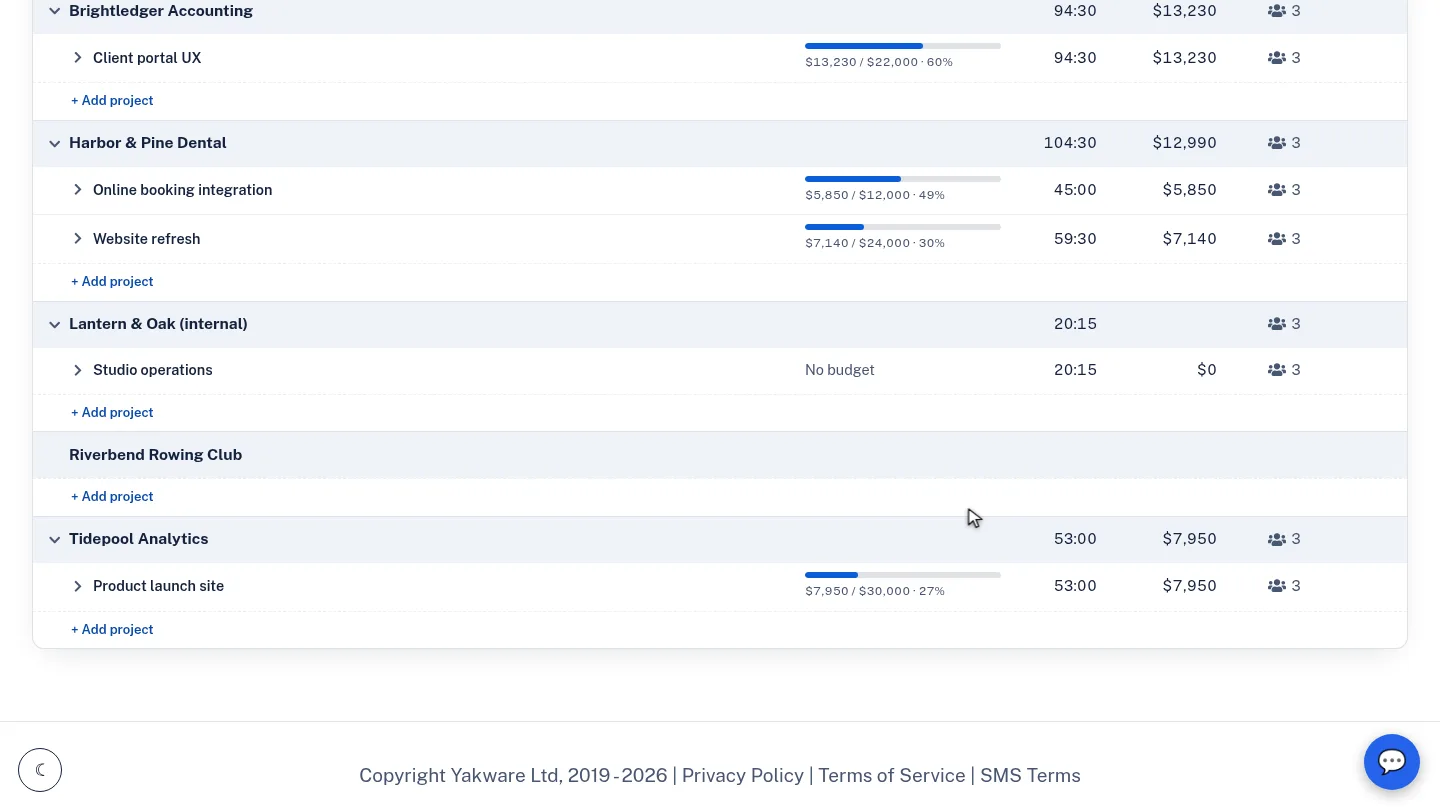
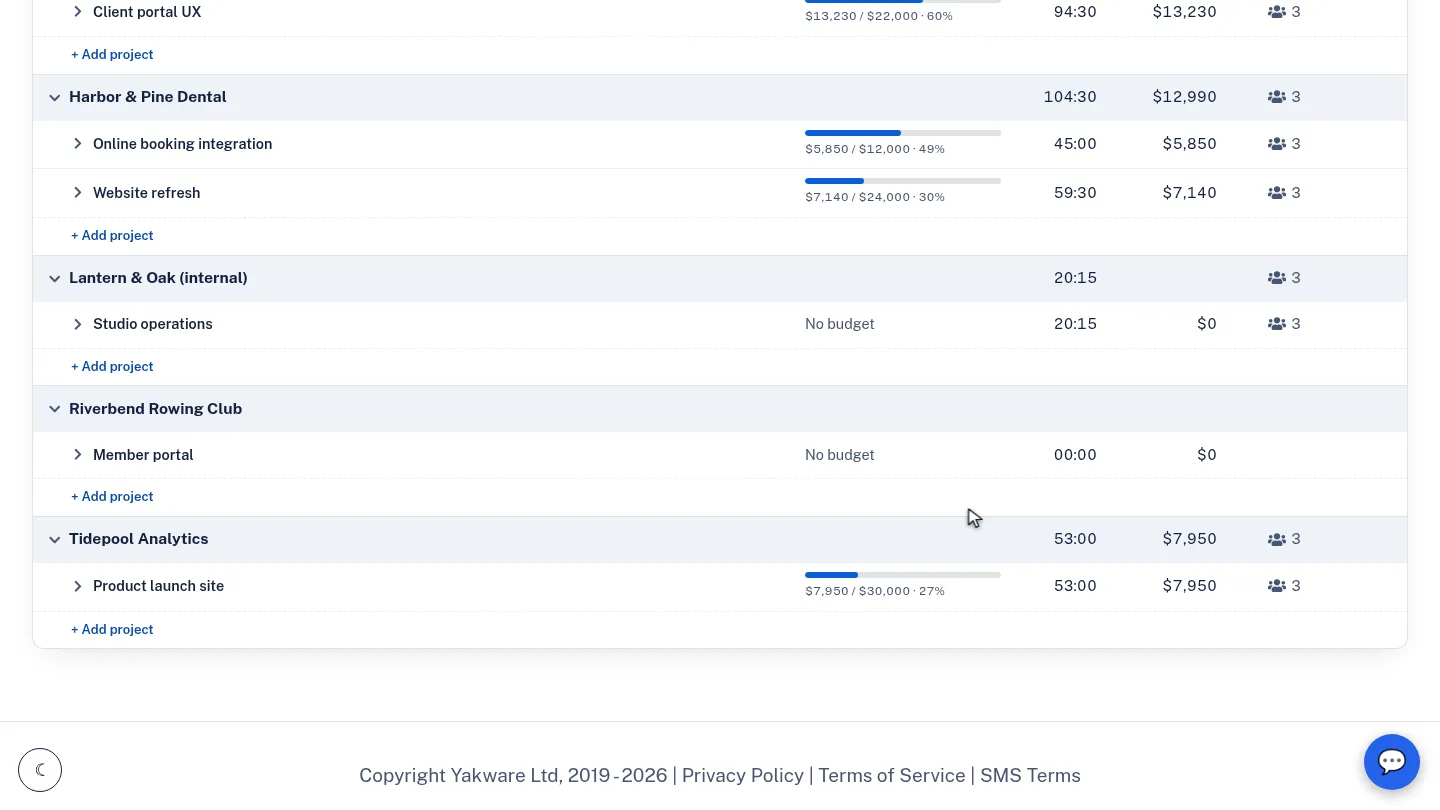
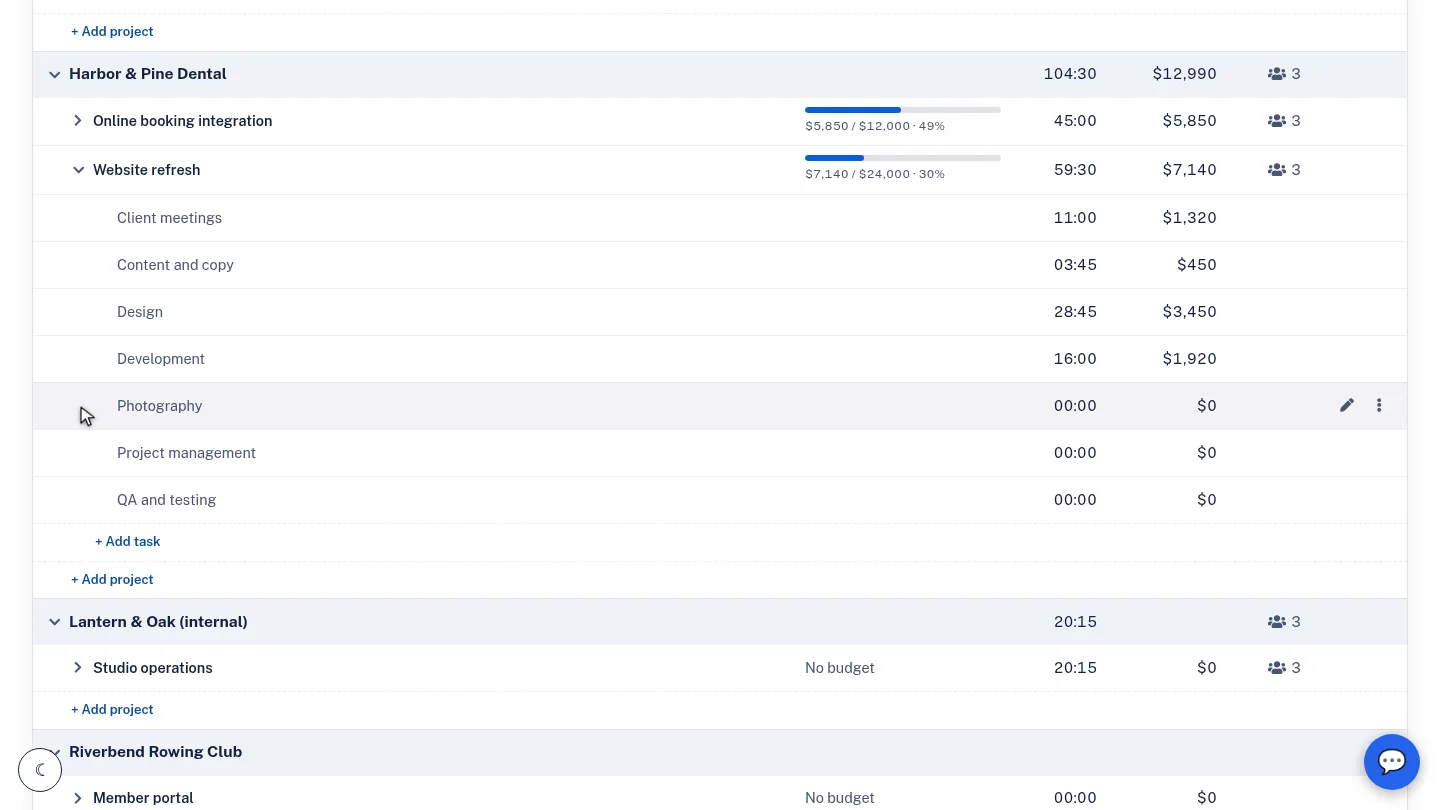
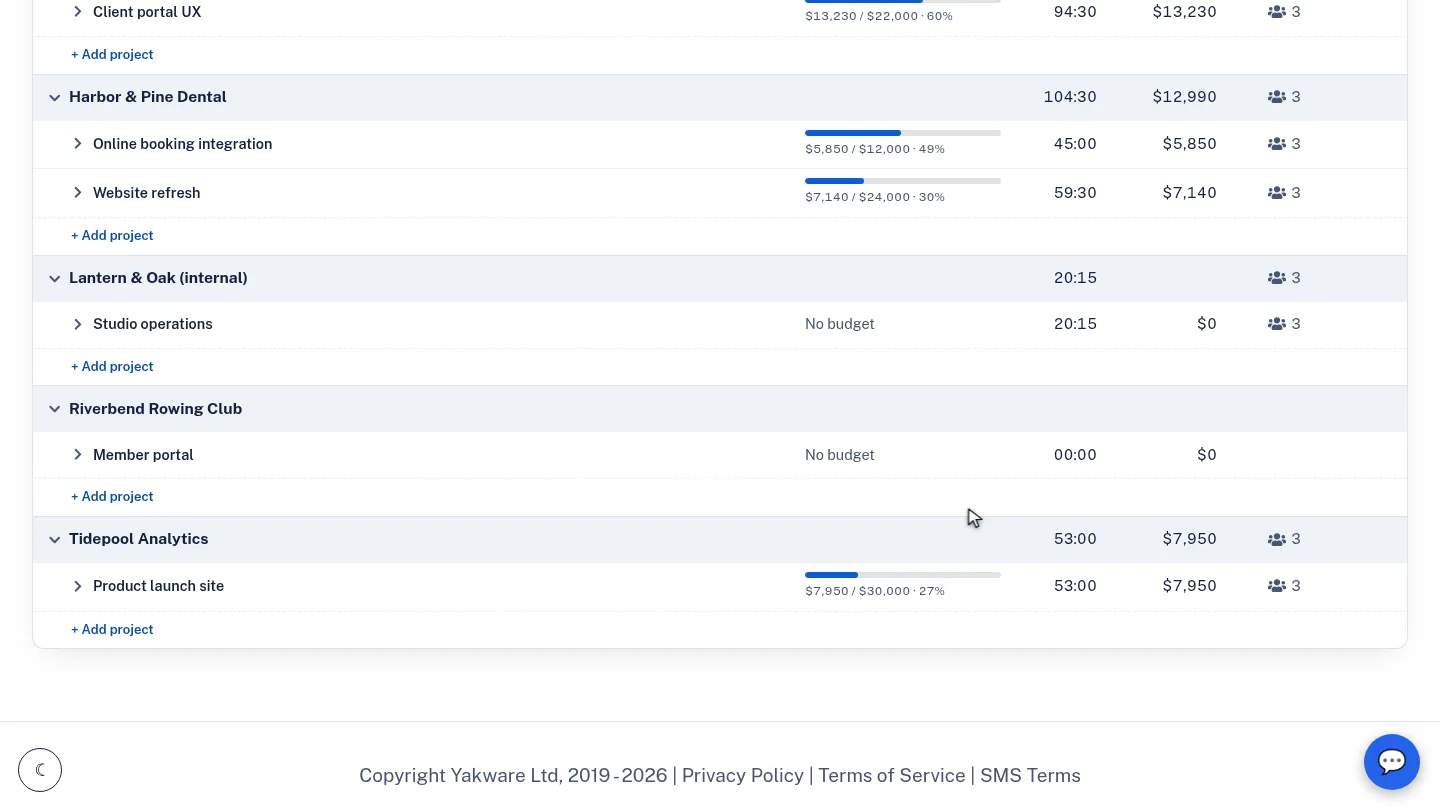
  3. 0:21 Every project tracks hours and billable value against its budget, so you see an overrun before your client does.
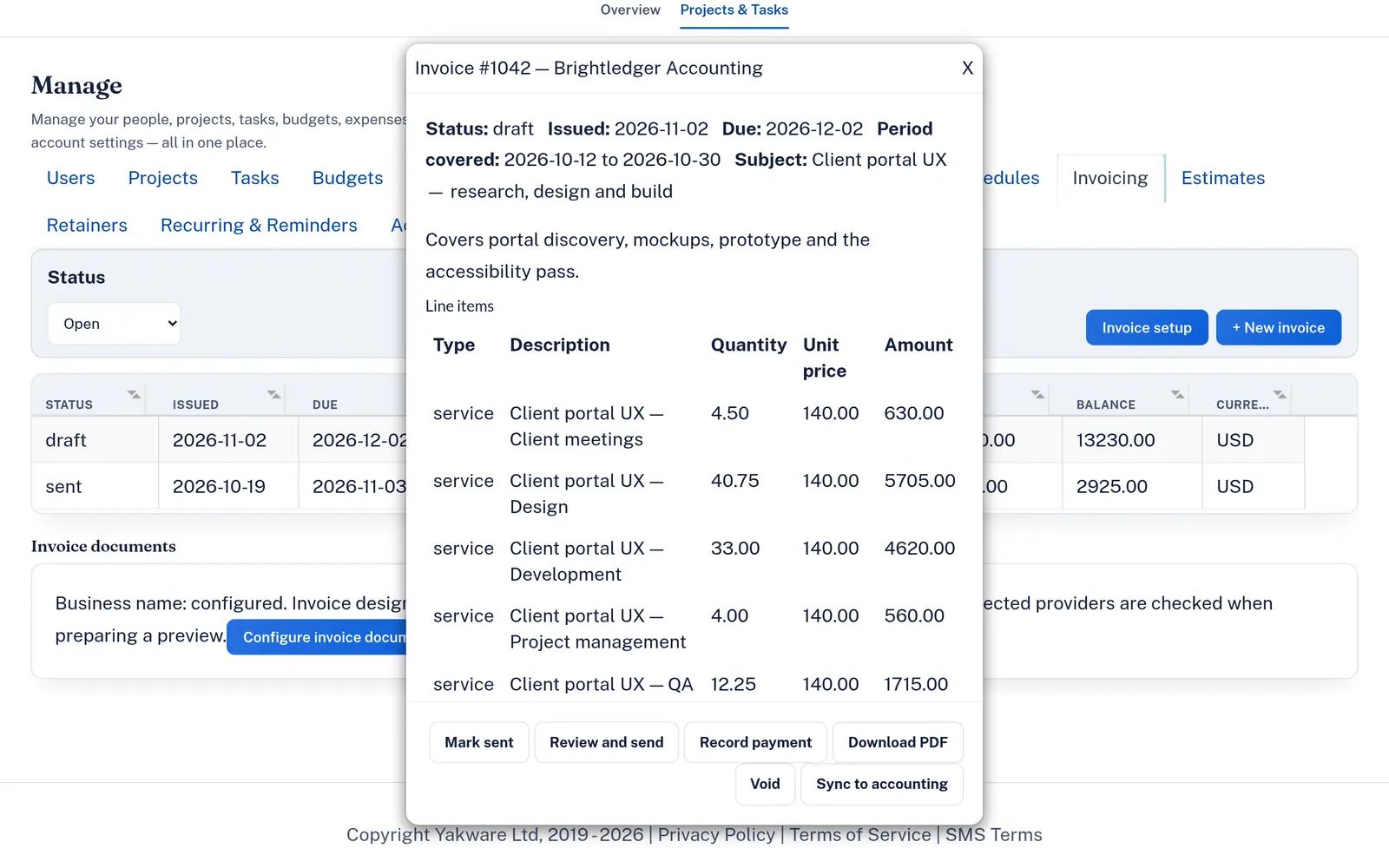
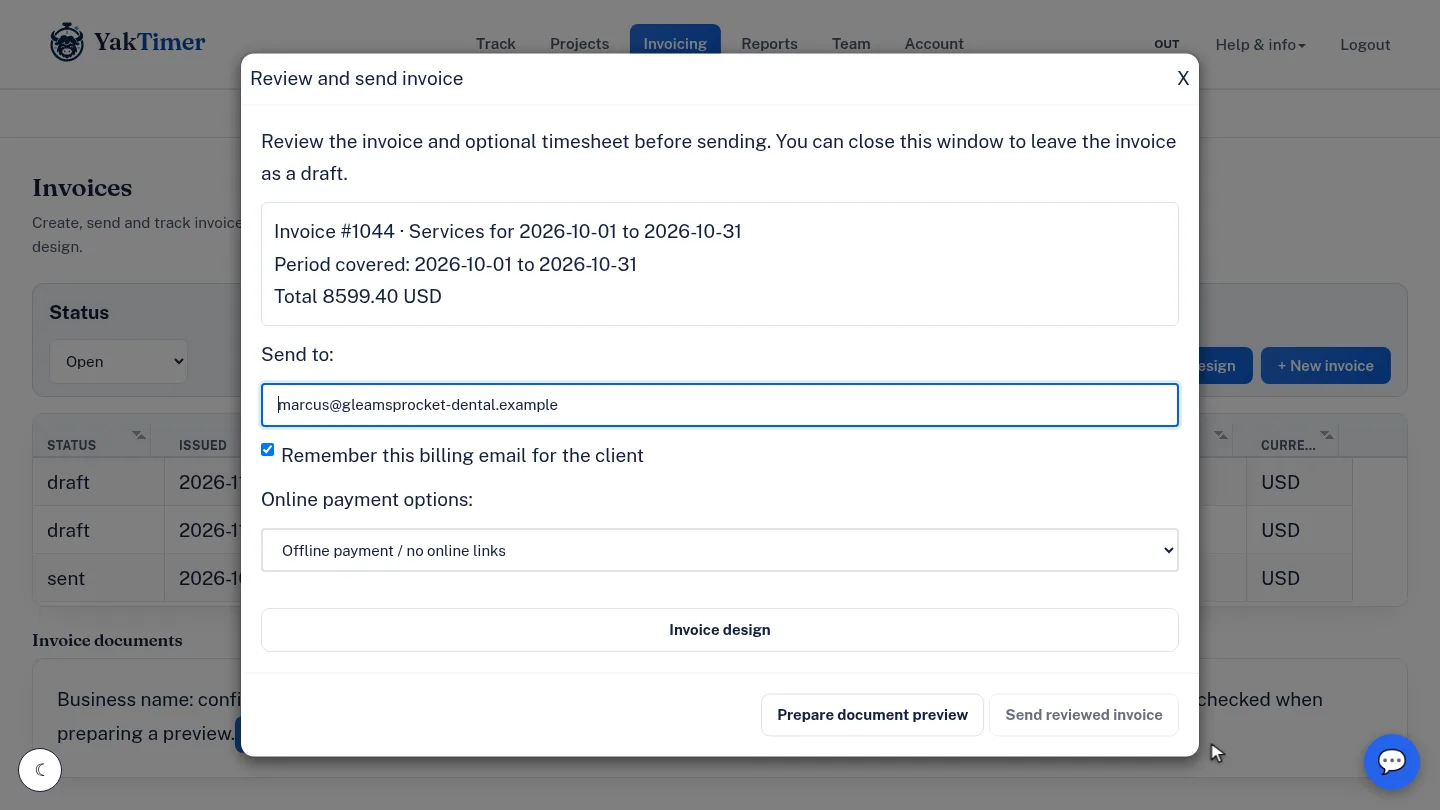
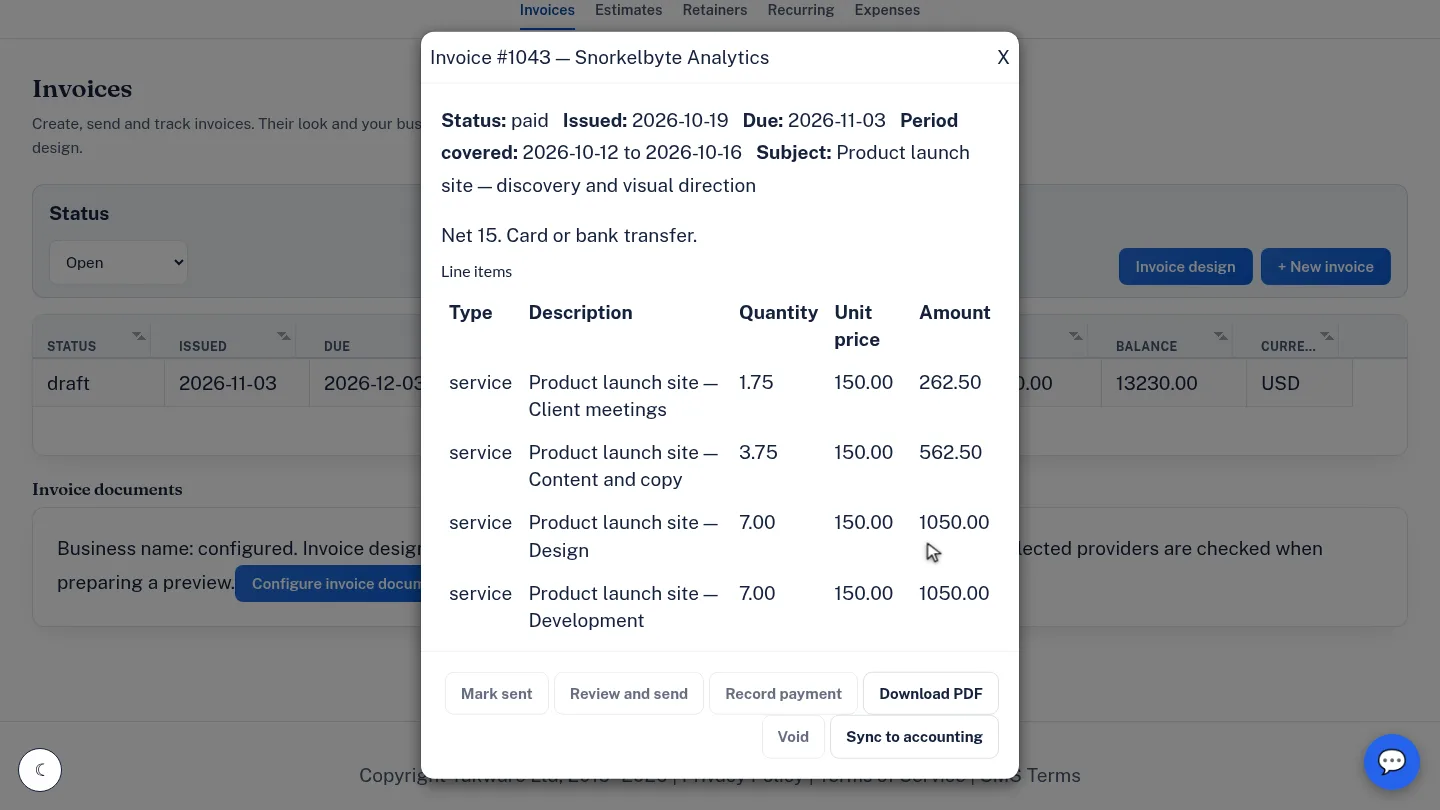
  4. 0:30 When the work is done, the hours become an invoice: line items, rates and totals, ready to review and send.
  5. 0:41 On site or on the road, the mobile app runs the same timer, timesheet and approvals.
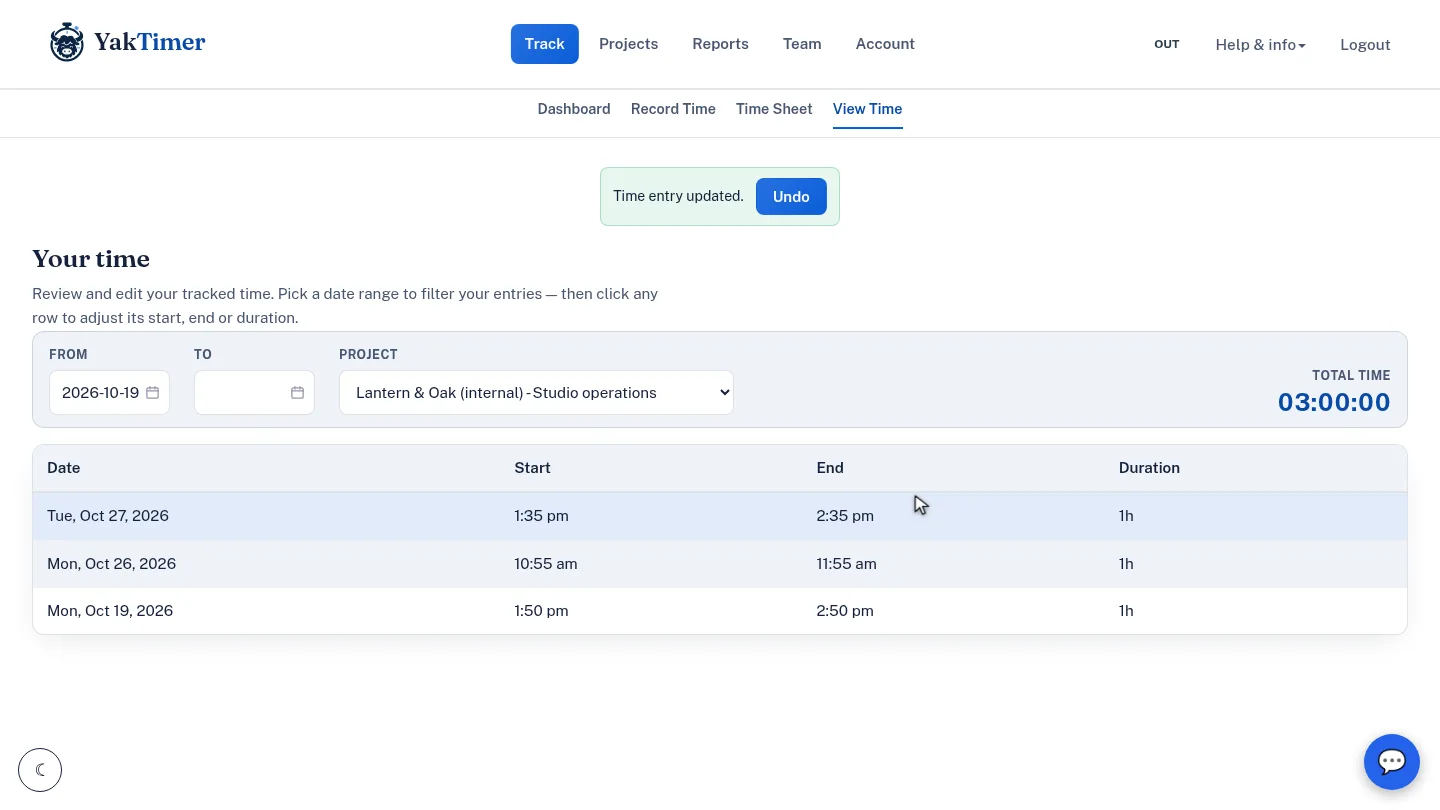
  6. 0:48 And reports show where every hour went, by person, project and client, for any period you choose.
Free Solo planone person, unlimited time entries
Timesheet approvalslocked hours before you bill
Budgets & ratesbillable and cost rates per project
Invoices paid onlineby Stripe or PayPal
Every report exportsCSV, Excel and PDF

The whole loop

From the first minute to the paid invoice

Real YakTimer screens with sample data.

Timesheets

Approve the week before you bill it

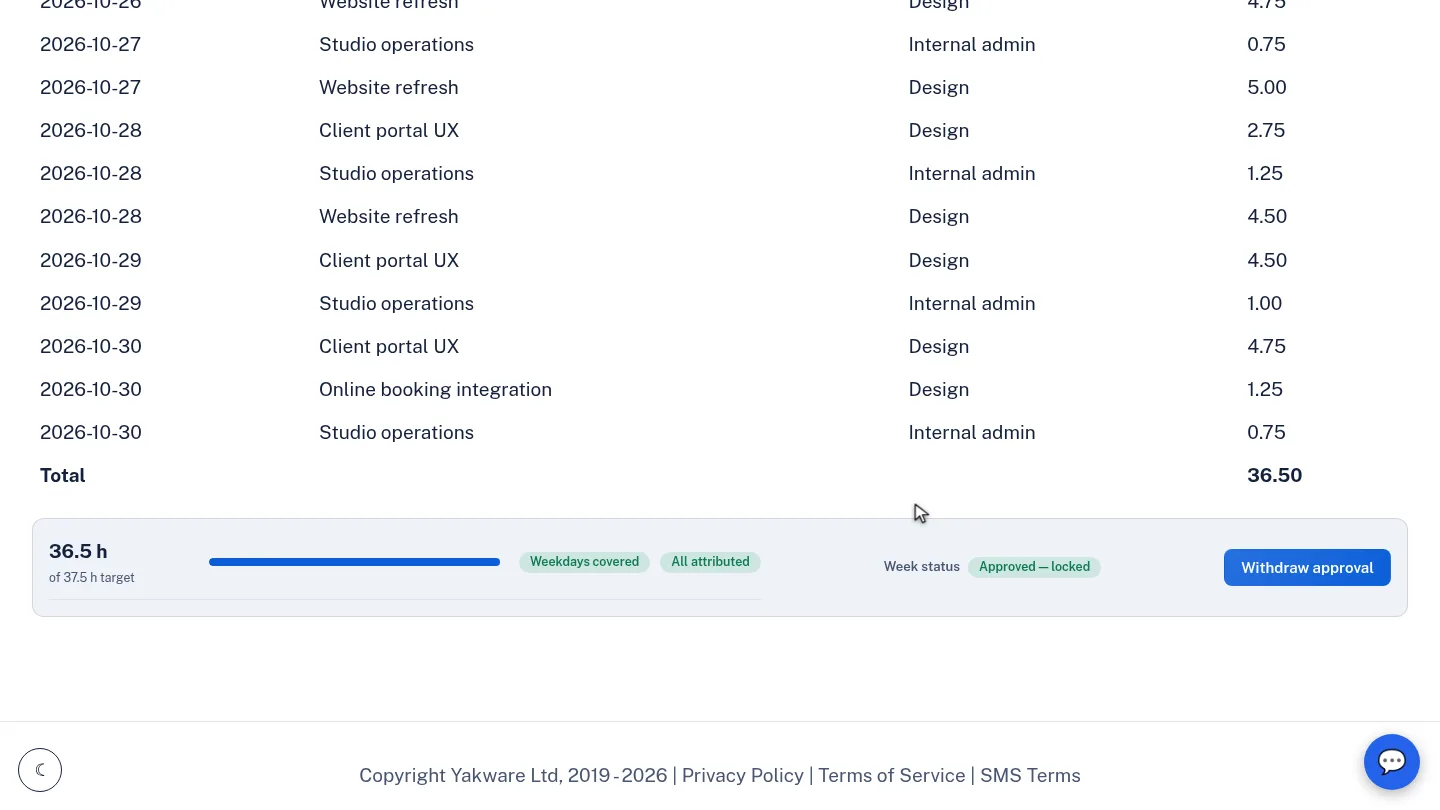
Everyone submits a weekly timesheet. Managers review the entries, approve the week and the hours are locked, so the invoice matches what was agreed.

  • Submit, approve or send back a week
  • Gaps and unattributed time flagged
  • Approvals waiting in the action inbox
A teammate’s weekly time sheet with each entry by project and task

Reports

Know where every hour went

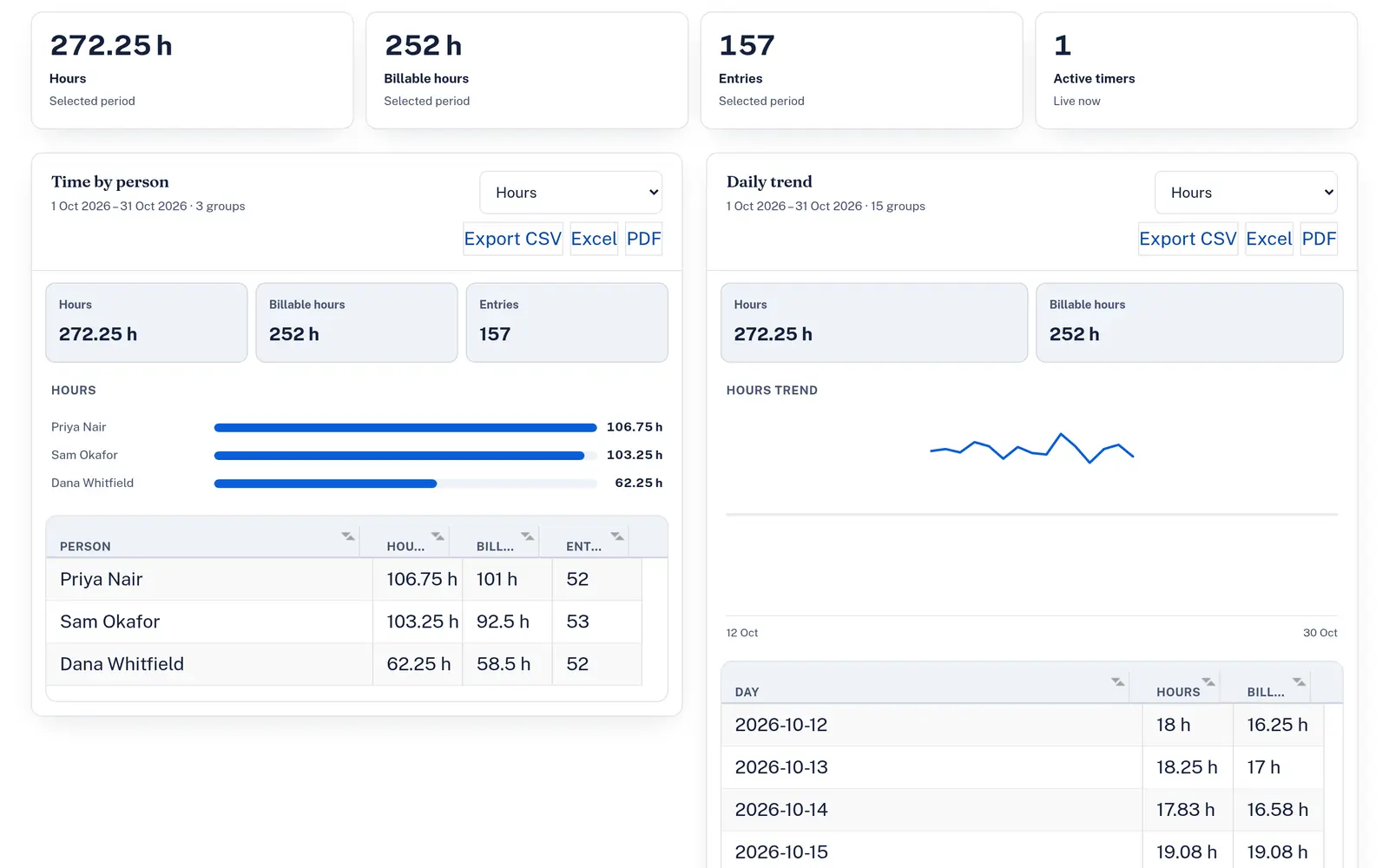
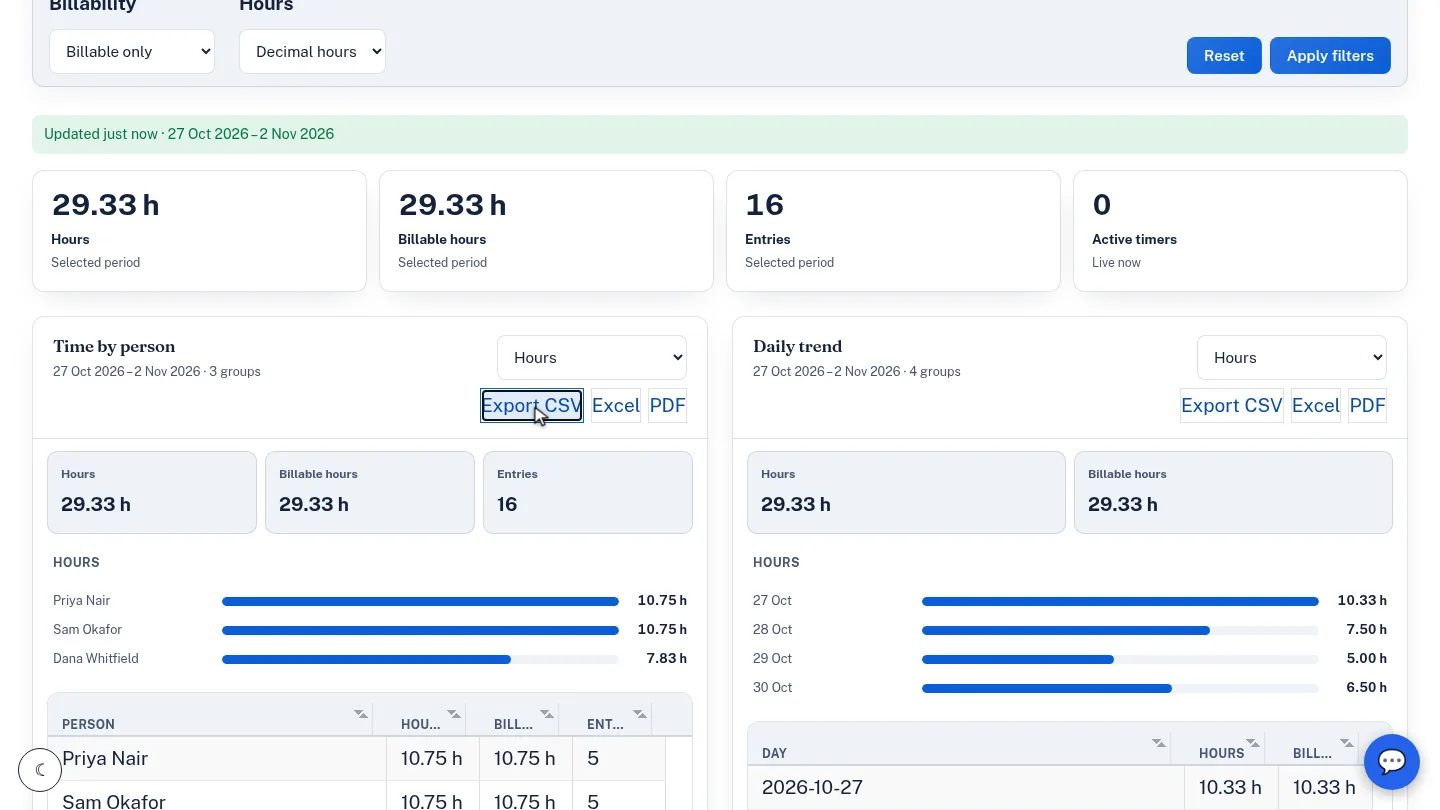
Slice time by person, client, project and task for any period. Compare billable hours, value and budget, then export to CSV, Excel or PDF.

  • Time, project and finance reports
  • Daily trend and per-person breakdowns
  • Save the reports you run every month
Time report for last month with hours by person and a daily trend

Mobile app

The same timer, in your pocket

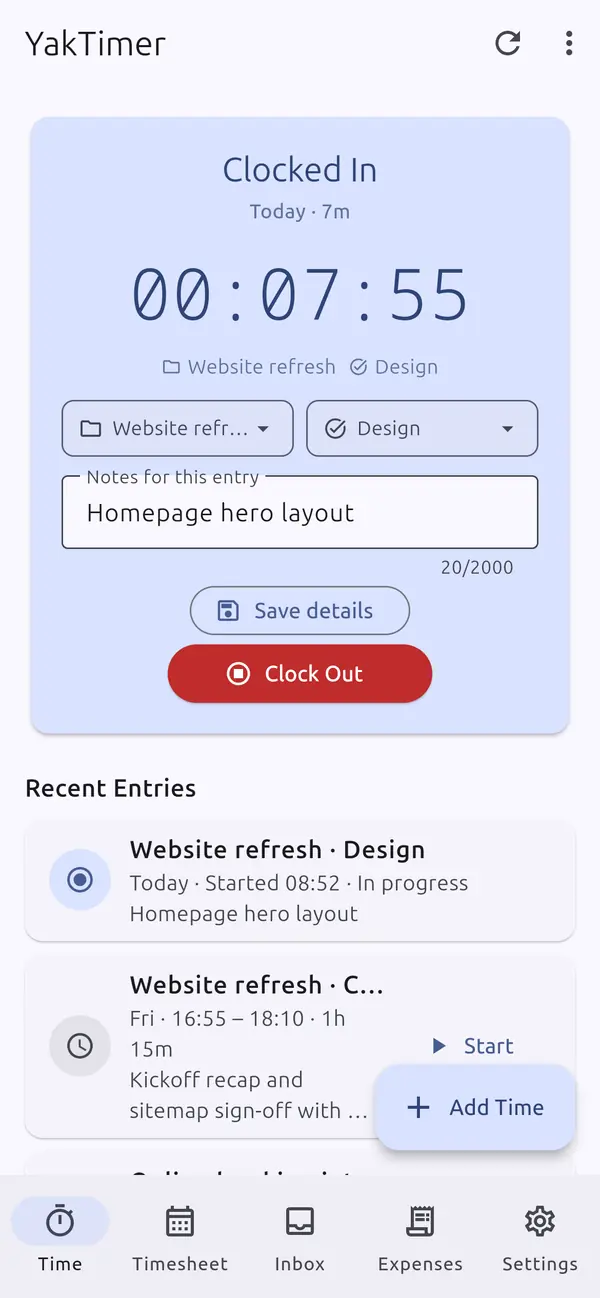
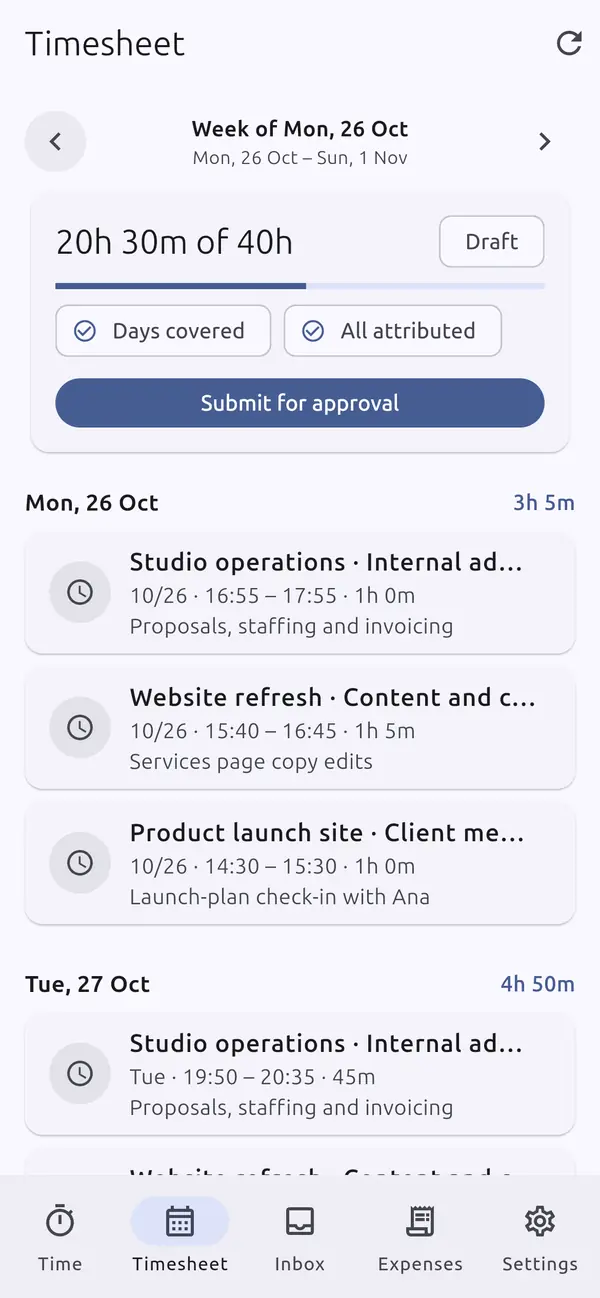
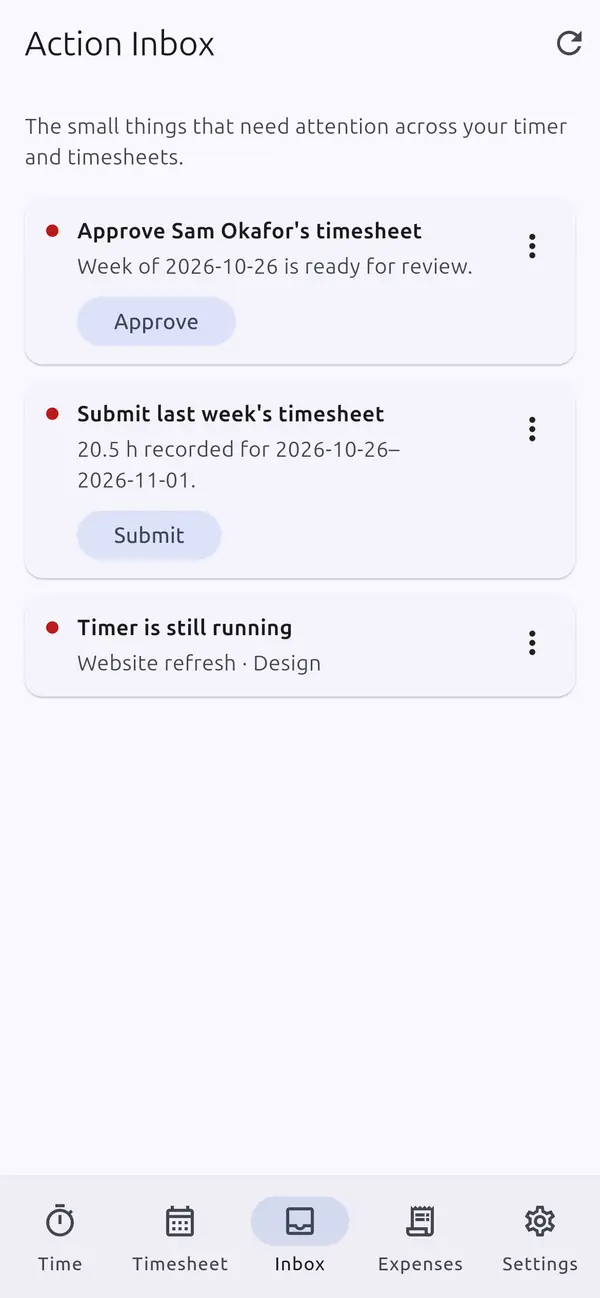
Clock in on site, fill the gaps in your week, approve timesheets and snap receipts from your phone. Everything lands in the same account as the web app.

Watch it in the tour

The YakTimer mobile app clocked in on Website refresh, Design, with recent entries below
Clock in and out
The weekly timesheet on the phone: 20 hours 30 minutes of 40, with Submit for approval
Your week, ready to submit
The action inbox with a teammate’s timesheet to approve and last week to submit
Approvals on the go
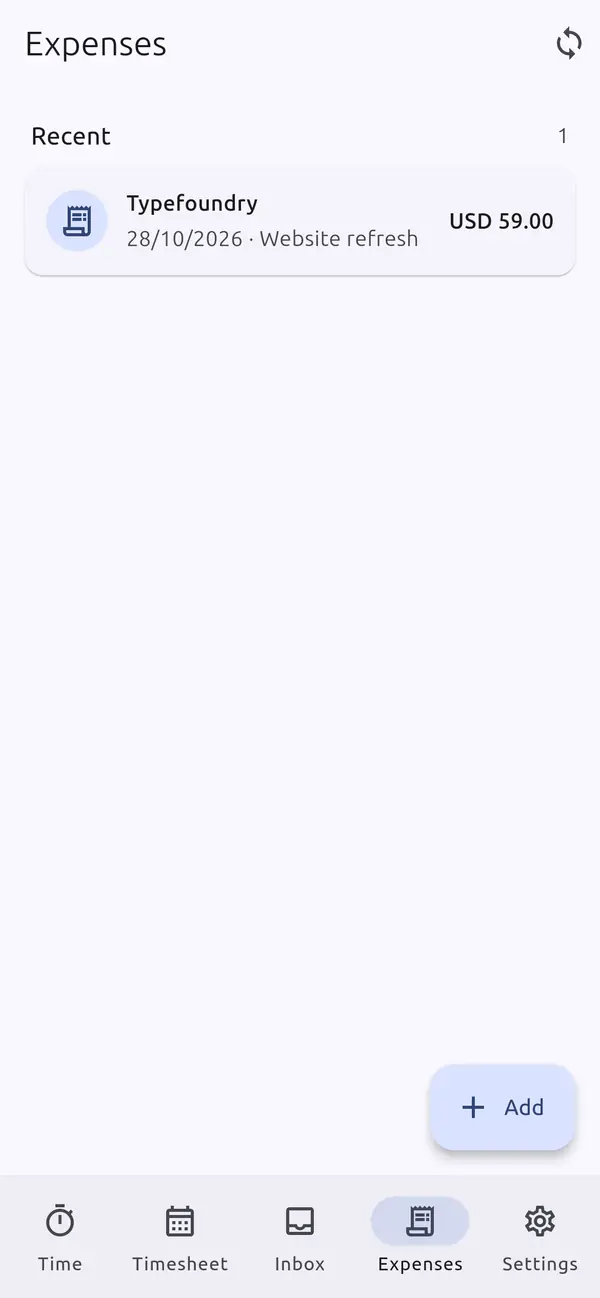
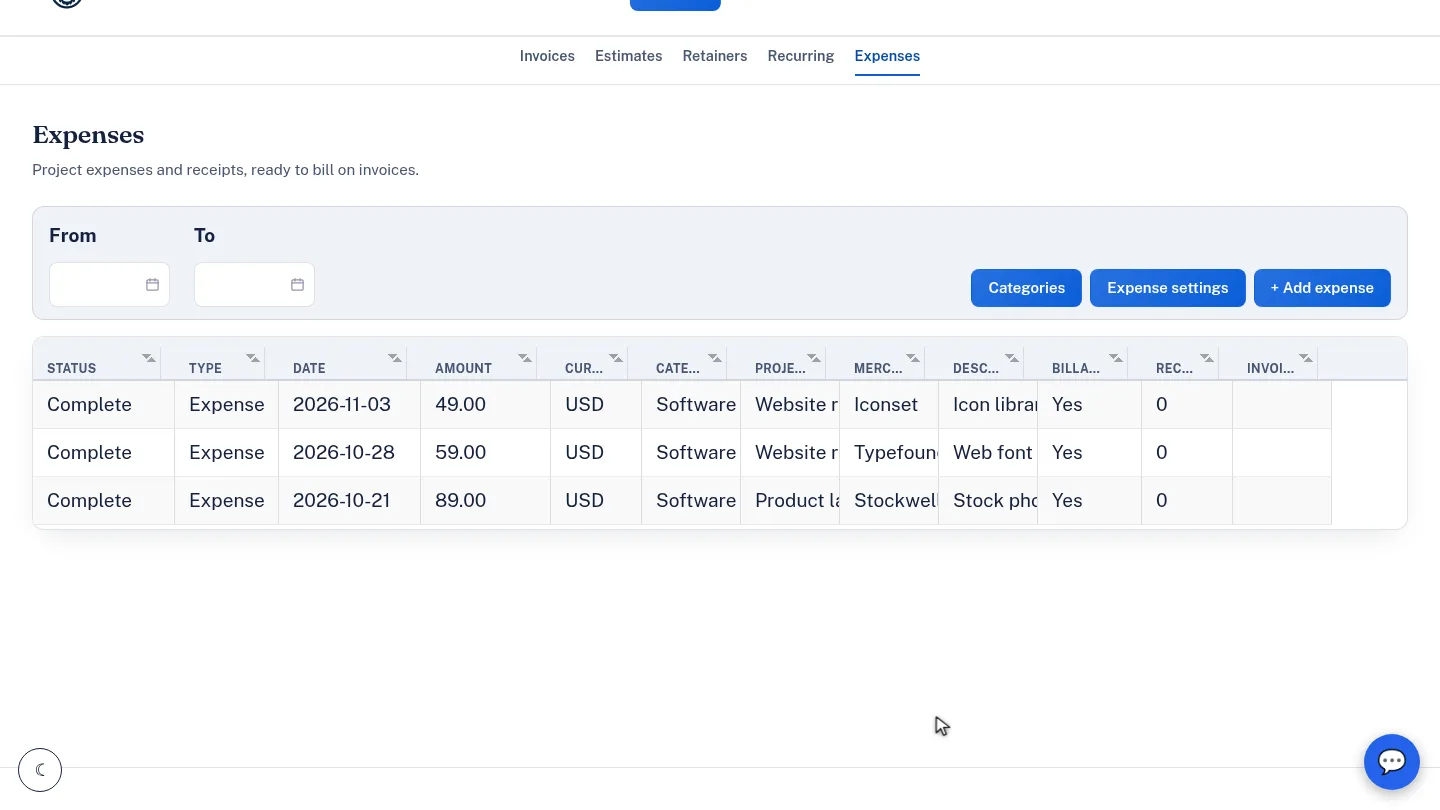
Recent expenses on the phone, with Add for a new receipt
Expenses with receipts

Start tracking time today

Free for one person, and per user when your team joins. No card needed to start.